DataViz Migration - migrating from SAP BO to GCP Looker
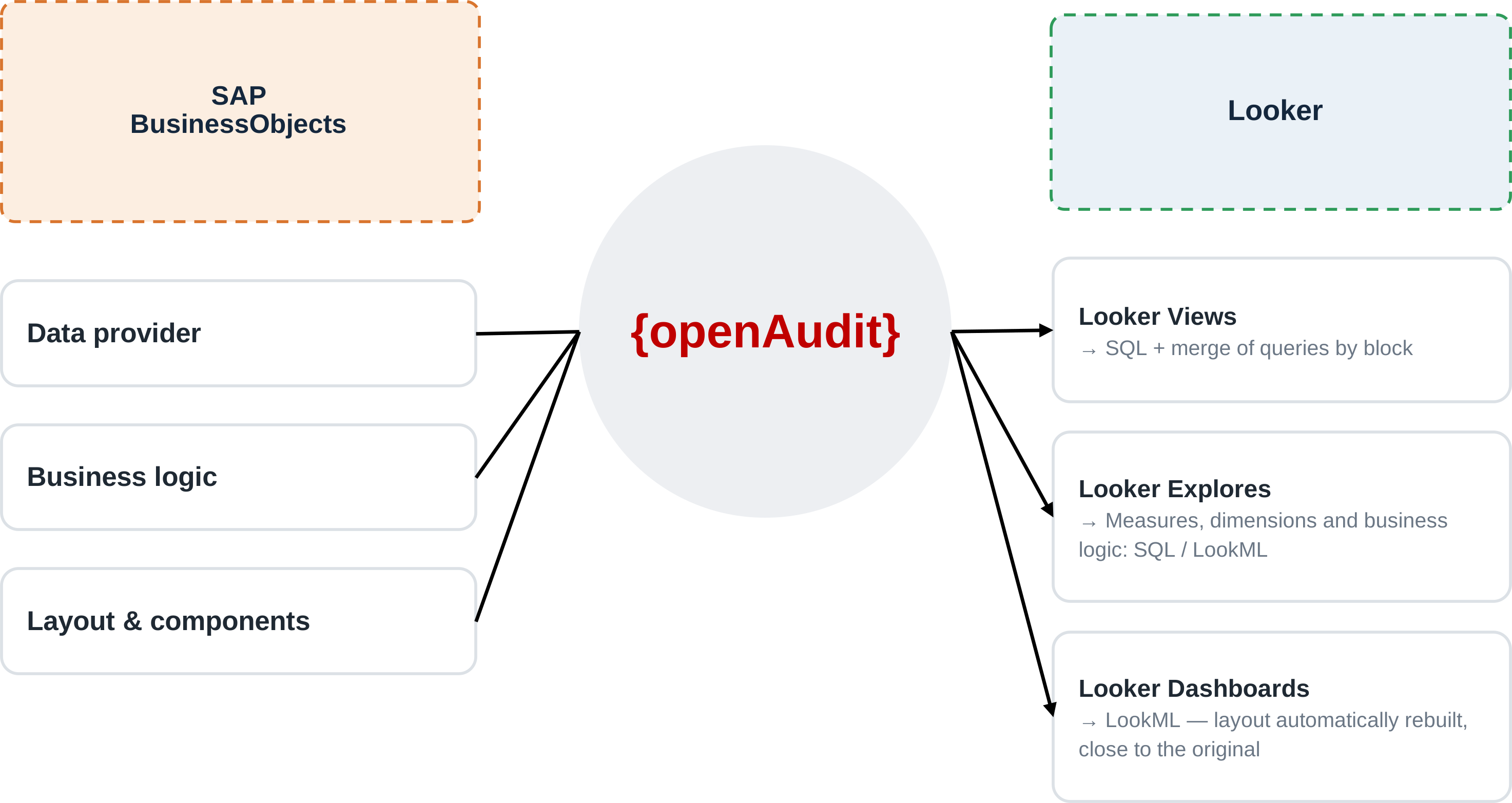
Migrating SAP BusinessObjects to Looker means turning universes and Web Intelligence reports into LookML models, Explores, and dashboards. Universes and business objects are the primary source of information for reconstructing the target model.
Estate analysis and rationalization
This phase does not depend on the target: access prerequisites, analysis scope, and rationalization through audit logs are detailed in Migrating from SAP BO to Power BI. Unused, broken, or duplicated reports, unconsumed objects, and obsolete universes are set aside before conversion.
Result: a massive reduction in the volume to migrate.
Conversion to Looker
Data Providers, business objects, and queries are converted into Looker components: dimensions, measures, joins, and calculations in the LookML models; dashboards, filters, prompts, tables, charts, and navigation from the reports; the functional organization of the universes in folders, Explores, and business catalogs.
The conversion relies on {oa-lake}: queries, calculations, and variables are encapsulated as SQL pipelines, and the business objects of the universes feed its interoperable semantic layer, which Looker connects to (see below).
Validation
During acceptance testing, SAP BusinessObjects and Looker run in parallel and their indicators are compared.
SAP BusinessObjects prompts
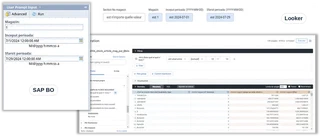
Prompts become native Looker filters; value lists and input parameters are preserved.
Business objects and LookML models
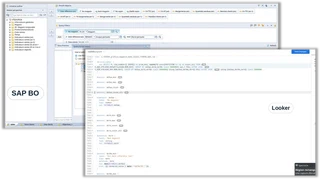
Functional structure
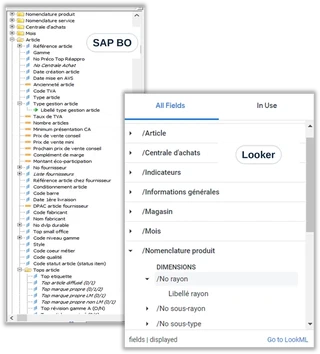
The organization of the universes is rebuilt as Explores.
Pivots and matrix analyses
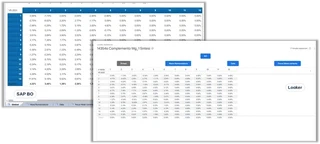
Cross-tabs are converted into Looker’s pivot mechanisms.
Charts
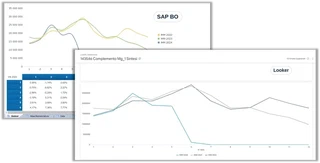
Bar charts
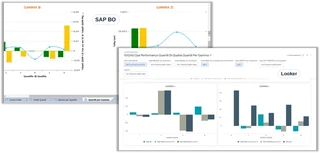
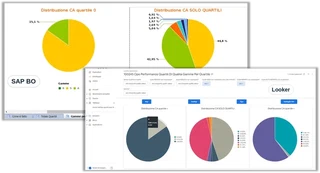
Pie charts
{oa-lake}: the foundation of every dataviz migration
Moving from one reporting tool to another meets the immediate need, but it shifts the business logic into a new proprietary model: the next time the tool changes, everything has to be rebuilt again.
Looker connects to {oa-lake} and consumes a ready-made model: business objects, KPIs, and security are no longer locked into a new proprietary model.
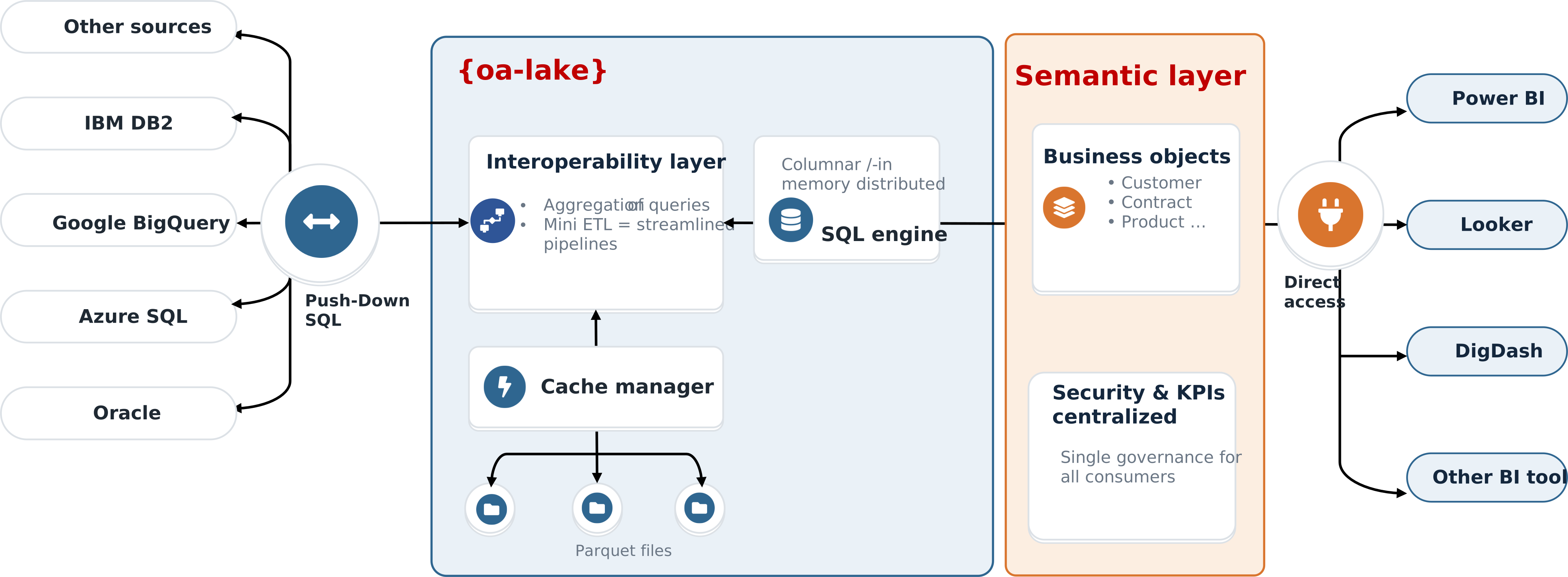
Key point: migrating to {oa-lake} means migrating one last time. Business logic becomes a company asset, independent from vendors.
Why {oa-lake} underpins every dataviz migration → · Discover {oa-lake} → · SQL interoperability and semantic layer →
Frequently asked questions
Can SAP BusinessObjects be migrated to Looker automatically?
What happens to SAP BO universes in Looker?
Are SAP BusinessObjects prompts kept in Looker?